Best Website Builders: 5 Services Worth Considering
Choosing a website builder is not as simple as it looks. Most platforms promise easy setup, mobile-friendly templates, AI tools, and business features, but they are not built for exactly the same type of user. Some work better for small business websites, some are stronger for visually polished portfolios, and others are better suited to content-driven or more scalable projects.
Below is a practical ranking of website builders for anyone who wants to launch a modern site without turning the project into a full custom development process. I am ranking them based on ease of use, design flexibility, business usefulness, and how realistic they are for non-technical users.
1. Wix
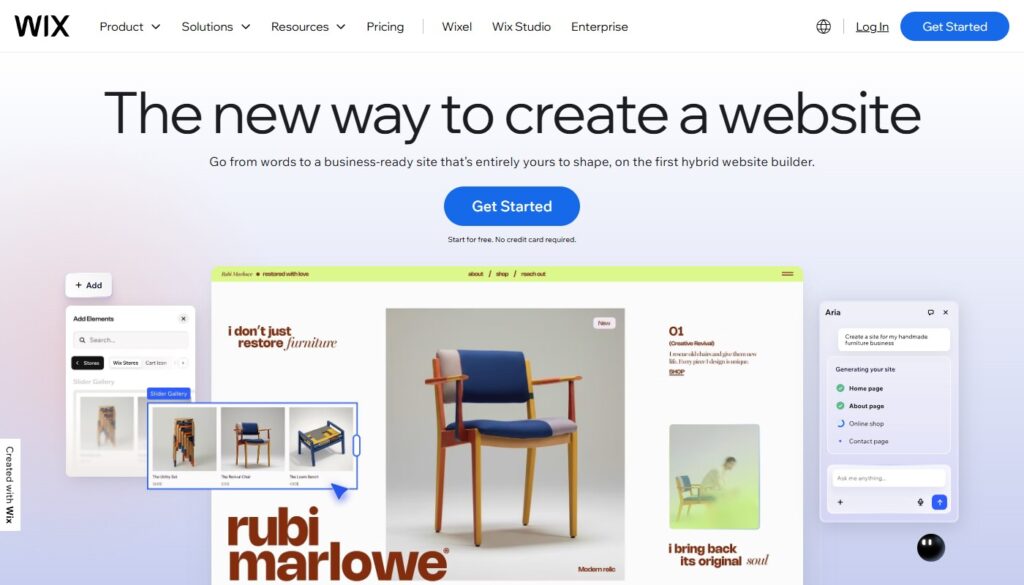
I would put Wix in first place as the most universal option for the widest range of users. It works well for service businesses, portfolios, small company websites, and landing pages because it combines a visual builder with a broad set of built-in tools. For many users, that makes the setup process much more straightforward.
One of Wix’s biggest strengths is that it feels like a complete environment rather than just a design editor. You are not only building pages, you are working inside a system designed to help you launch, manage, and grow a site without needing to assemble too many outside tools. For businesses that want a practical and flexible starting point, that matters a lot.
2. uKit
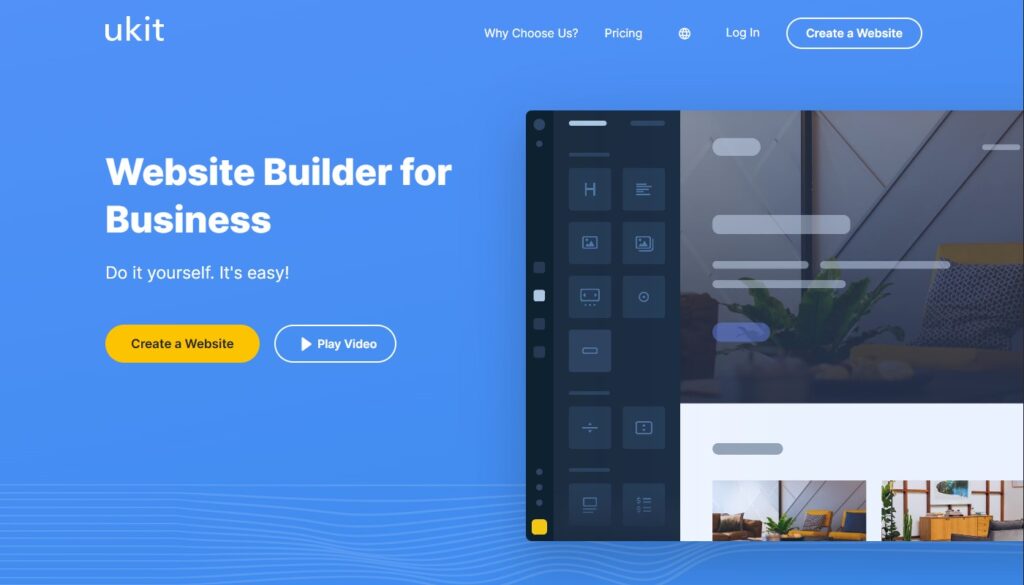
I place uKit in second place, and for small businesses it is a very strong option. It is especially well suited to local companies, service providers, landing pages, and compact business websites that need to look professional without becoming too complicated to manage.
What makes uKit stand out is its balance of simplicity and usefulness. The interface is approachable, the setup process is clear, and the platform is built for users who want to get online without spending too much time learning a system. It is a very sensible choice for business owners who care more about speed, clarity, and affordability than about endless customization.
The reason I place it second rather than first is that Wix still feels more universal across a wider range of scenarios. But for small business websites specifically, uKit is one of the easiest platforms to recommend.
3. Squarespace
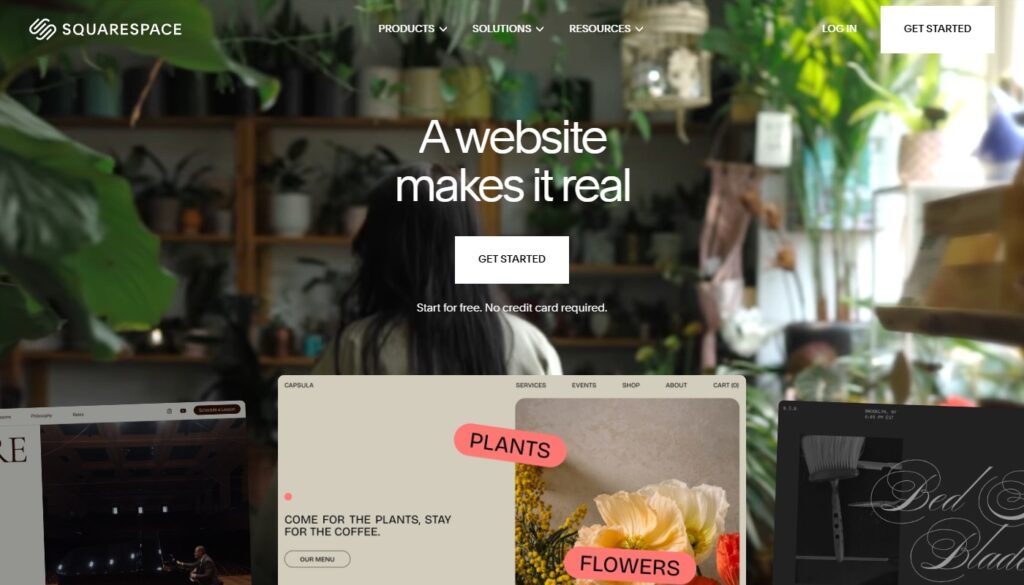
Squarespace takes third place because it remains one of the strongest options for users who care deeply about presentation and visual polish. It is especially attractive for creatives, consultants, studios, and brands that want a more refined and design-conscious online presence.
Squarespace is often a strong fit when aesthetics are not just a bonus but part of the business itself. It works well for portfolios, personal brands, premium service websites, and businesses that want a cleaner, more editorial feel. The platform is relatively approachable, but its strongest appeal is not pure utility. It is the combination of usability and a more elevated visual style.
I rank it below Wix and uKit because it is slightly less general-purpose for users who want the most practical, budget-conscious, or flexible business solution. Still, for the right type of project, it can be an excellent choice.
4. Webflow
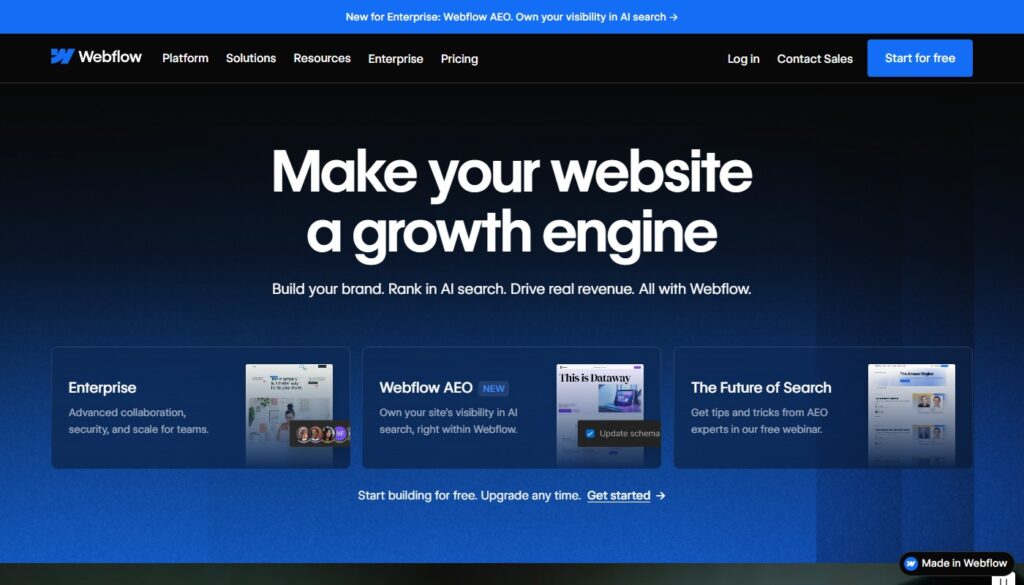
Webflow comes in fourth because it offers a more advanced kind of website-building experience. It is not only about launching a simple site quickly. It is also about having more control over layout, structure, and content systems.
That makes Webflow especially attractive to designers, agencies, marketing teams, and businesses that want their website to function as a more serious digital asset. It is a strong option for projects that need more flexibility, more structured content, or a more customized front-end result.
The reason it is not higher in this ranking is simple: Webflow has a higher learning curve. It is powerful, but not always the most practical choice for beginners or for small businesses that want the fastest possible route to launch. In the right hands, though, it can do much more than a typical website builder.
5. WordPress.com
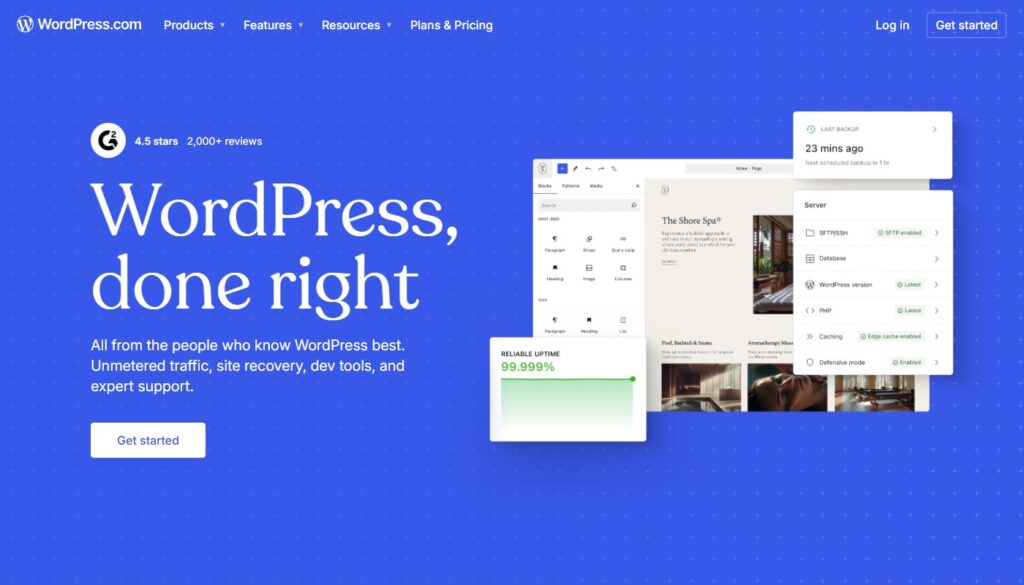
I place WordPress.com in fifth place, not because it is weak, but because it is not always the most direct option for beginners. It is a good choice for users who want a website builder with a stronger connection to the broader WordPress ecosystem and a structure that can support content-oriented growth over time.
WordPress.com makes sense for blogs, expert websites, content projects, and business sites that may expand gradually. It gives users a more content-driven framework, which can be very useful if publishing and long-term site development are part of the plan.
At the same time, if someone wants the simplest possible setup and a more immediately visual editing experience, platforms like Wix or uKit usually feel easier at the start. WordPress.com is more appealing when the user sees the website as something that will continue evolving over time.
Which one should you choose?
If you want the most universal option for a wide range of business and personal website needs, Wix is the safest choice.
If you want a practical and affordable website builder for a small business, local company, or service-based site, uKit is a very strong pick.
If design polish and presentation are your highest priorities, Squarespace is worth serious attention.
If you need more flexibility and want a platform that gives you greater control over structure and design systems, Webflow stands out.If your project is more content-focused and you want to build within the WordPress ecosystem, WordPress.com can make a lot of sense.